Best AI Tools for Teachers in 2026 | Save Time & Improve Teaching
Discover the best AI tools for teachers in 2026. Create lessons faster, improve student engagement, and reduce workload with smart AI solutions.
Best AI Tools for Teachers in 2026
Last Updated: January 2026
Artificial Intelligence is transforming education faster than ever. In 2026, teachers are no longer limited to traditional methods; AI tools now help with lesson planning, grading, student engagement, and personalized learning. In this guide, we explore the best AI tools for teachers in 2026 that save time, improve teaching quality, and enhance student outcomes.
In recent years, the demand for AI-powered education tools has increased rapidly as teachers look for smarter ways to manage classrooms and personalize learning. The best AI tools for teachers help automate repetitive tasks, support different learning styles, and provide real-time insights into student performance. By using AI tools in education, teachers can focus more on creativity, critical thinking, and meaningful student interaction rather than administrative work.
Teachers can now use AI tools for small business automation to save time, just like businesses automate tasks.
Why Teachers Should Use AI Tools in 2026
AI tools help teachers:
- Save hours on lesson planning and grading
- Create personalized learning experiences
- Improve classroom engagement
- Analyze student performance efficiently
With the rise of digital classrooms and hybrid learning, AI has become an essential assistant for modern educators.
Best AI Tools for Teachers
1. ChatGPT for Teachers
Best for: Lesson planning, quizzes, explanations
ChatGPT is one of the most popular AI tools for teachers. It helps educators generate lesson plans, worksheets, quizzes, and even student-friendly explanations for complex topics.
Key Features:
- Lesson ideas and plans
- Student-friendly explanations
- Quiz and worksheet generation
Why teachers love it: Saves time and improves creativity in teaching.
“ChatGPT helps teachers generate lesson plans quickly and efficiently (OpenAI).”
2. Grammarly for Education
Best for: Writing assistance and feedback
Grammarly helps teachers check grammar, clarity, and tone in lesson materials and student assignments.
Key Features:
- Grammar and spelling correction
- Writing clarity suggestions
- Plagiarism detection (premium)
Use case: Perfect for English teachers and academic writing support.ing.
3. Canva for Education
Best for: Visual teaching materials
Canva allows teachers to create presentations, worksheets, posters, and infographics using AI-powered design suggestions.
Key Features:
- Ready-made education templates
- AI design suggestions
- Easy collaboration
Benefit: Makes lessons visually engaging and professional.
“Learn more about Power AI Engine features for designing and lesson planning.”
4. Google Gemini (AI for Education)
Best for: Research and classroom productivity
Google Gemini (formerly Bard) helps teachers with research, summaries, and idea generation directly integrated with Google tools.
Key Features:
- AI-powered research assistance
- Content summaries
- Integration with Google Docs
Ideal for: Teachers already using Google Classroom.
5. QuillBot
Best for: Paraphrasing and writing improvement
QuillBot helps teachers and students rewrite text clearly while maintaining meaning.
Key Features:
- Paraphrasing modes
- Grammar checker
- Summarizer
Use case: Improving academic writing and understanding
Kahoot! AI
Best for: Interactive learning and quizzes
Kahoot! uses AI to generate quizzes and interactive games that keep students engaged.
Key Features:
- AI quiz creation
- Real-time student engagement
- Performance analytics
Why it matters: Makes learning fun and interactive.utions.
Turnitin
Best for: Academic integrity
Turnitin is widely used to detect plagiarism and ensure originality in student work.
Key Features:
- Plagiarism detection
- AI writing detection
- Detailed reports
Essential for: Universities and higher education institutions.
How to Choose the Best AI Tool for Teachers
When selecting AI tools, teachers should consider:
- Ease of use
- Privacy and data security
- Compatibility with existing platforms
- Educational value
Not every tool fits every classroom, so testing before full adoption is recommended.
Benefits of Using AI Tools in Education

.Personalized learning experiences
Reduced workload for teachers
Improved student engagement
Better learning outcomes
AI does not replace teachers—it empowers them.
Future of AI in Teaching
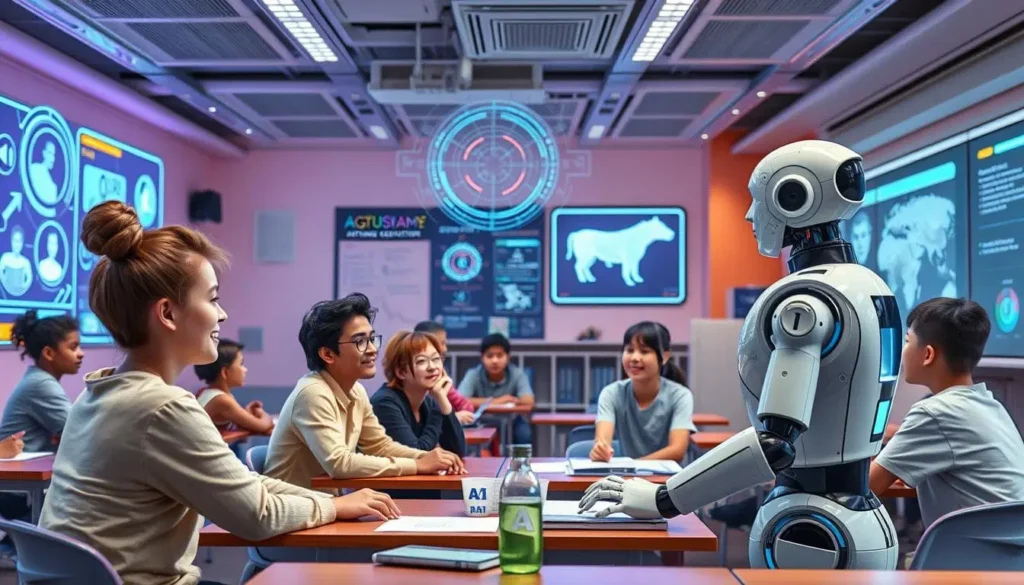
By 2026 and beyond, AI will continue to evolve in education. Adaptive learning, automated assessments, and AI tutors will become more common, making teaching more efficient and inclusive.
FAQs – Best AI Tools for Teachers
Are AI tools safe for teachers?
Yes, most reputable AI tools follow strict privacy and security standards, especially education-focused platforms.
Can AI replace teachers?
No. AI supports teachers but cannot replace human interaction, empathy, and guidance.
Are AI tools free for teachers?
Many AI tools offer free versions or special education plans.
Final Thoughts
The best AI tools for teachers in 2026 help educators teach smarter, not harder. By integrating AI responsibly, teachers can enhance learning experiences while saving valuable time.